# Styling

imaThe game can be styled using CSS, allowing customization of fonts, sizes, and bespoke graphics like card backs. When provided with a specification, we can create a fully custom theme for the game, ensuring it blends seamlessly with your host application. This includes adjusting visuals and UI elements to match your app’s design, delivering a cohesive user experience.

Contact us for the Figma template.

### THNDR Styling options

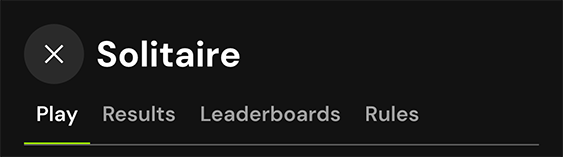
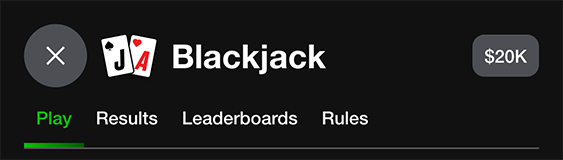
#### Header Options

* Close button is optional and is linked with a DOM message event to capture when it's tapped.
* Game name is optional, it can also be replaced with an image
* Game icon is optional
* Everything can be turned off to provide more space for your own header
* The player balance can be shown if desired

<figure><img src="/files/VbaEZSWC9DsxDtG90l3g" alt=""><figcaption></figcaption></figure>

<figure><img src="/files/39tWo9pbIYFyBpodrqWe" alt=""><figcaption></figcaption></figure>

<figure><img src="/files/ZSbOwZPu6VDWP6xCn1bG" alt=""><figcaption></figcaption></figure>

<figure><img src="/files/F9EIU8Xyw1T1mi8MokbA" alt=""><figcaption></figcaption></figure>

<figure><img src="/files/kAqItmhCjuVZLscVDuip" alt=""><figcaption></figcaption></figure>

#### Popup Drawers

All popup drawer can be modified with the following:

* Close button position, left or right

<figure><img src="/files/6O6NKylYzhAnyiHuKiSd" alt=""><figcaption></figcaption></figure>

<figure><img src="/files/HSjPuVCS0B96diHzucdh" alt=""><figcaption></figcaption></figure>

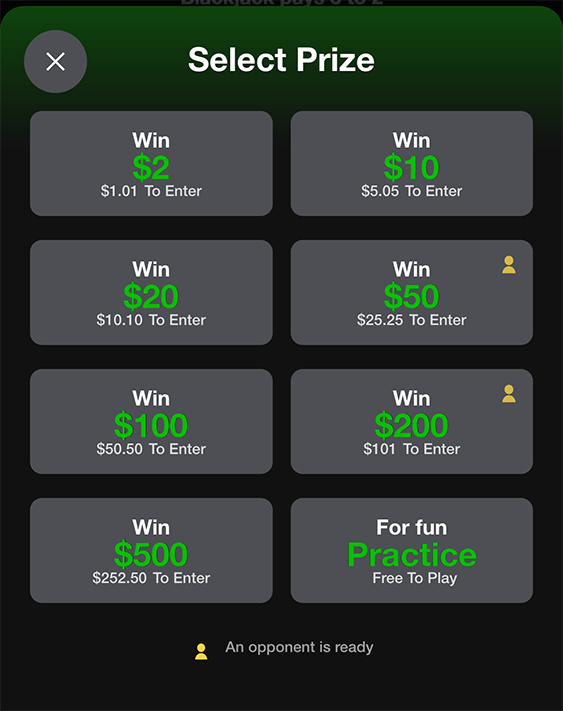
#### Wager Popup Drawer

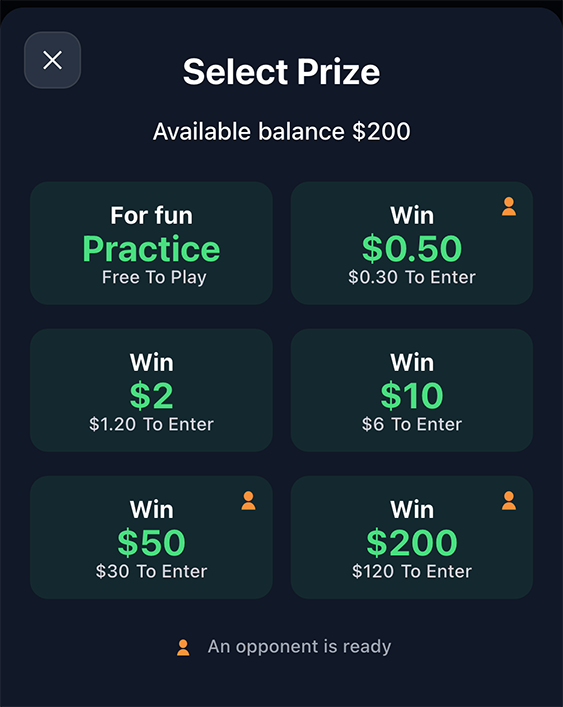
* We can position the practice game option in the first or last position in the grid.
* The players balance can be added into the popup allowing them to see what they can use.

<figure><img src="/files/krp6ygRziefo3AmQPlWd" alt=""><figcaption></figcaption></figure>

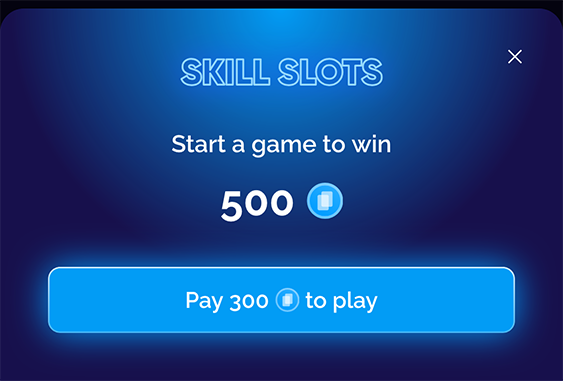
#### Payment Popup Drawer<br>

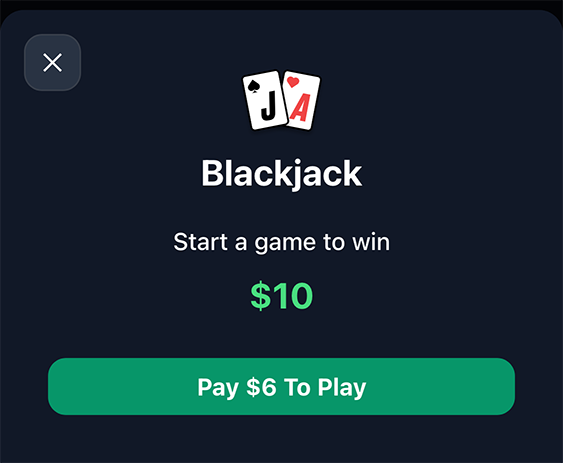
* The game icon can be hidden

<figure><img src="/files/Zx5KKMUZUSPELHqfl5Ah" alt=""><figcaption></figcaption></figure>

<figure><img src="/files/6O6NKylYzhAnyiHuKiSd" alt=""><figcaption></figcaption></figure>

#### General Options

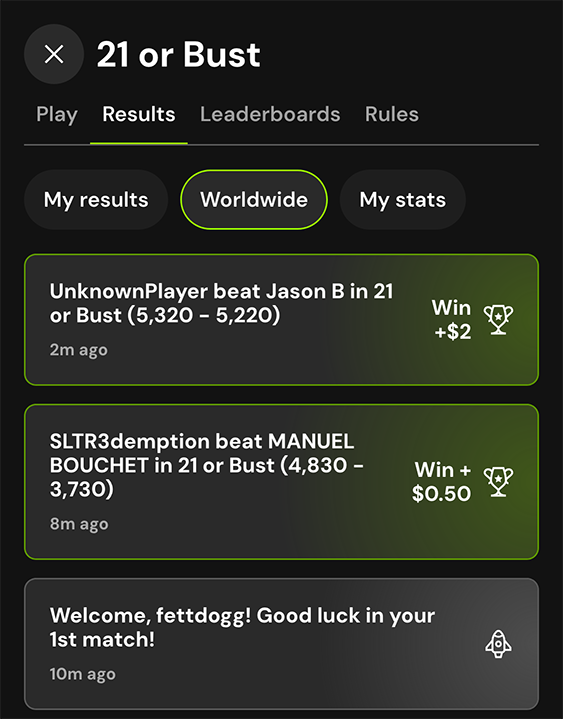
* Show/hide the worldwide activity feed

<figure><img src="/files/Xytw3ASKQPimGeTWLNTX" alt=""><figcaption></figcaption></figure>

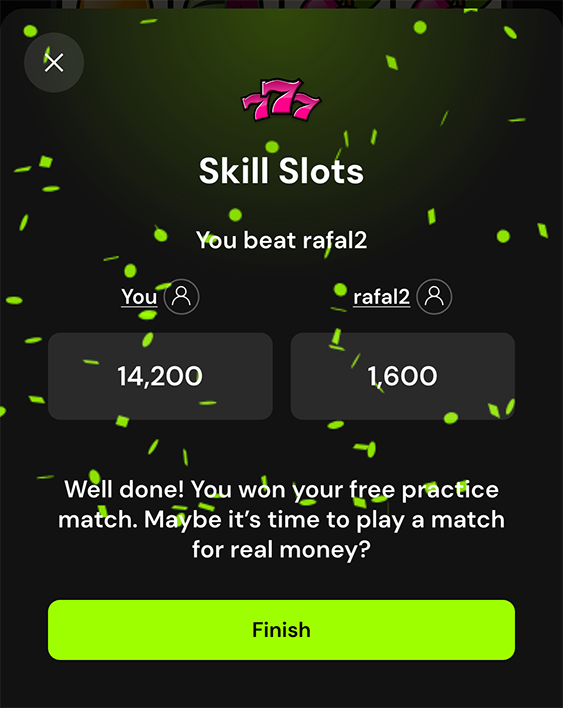
* Confetti color for a win

<figure><img src="/files/iACvPGuiUiYNanPHEiwU" alt=""><figcaption></figcaption></figure>


---

# Agent Instructions: Querying This Documentation

If you need additional information that is not directly available in this page, you can query the documentation dynamically by asking a question.

Perform an HTTP GET request on the current page URL with the `ask` query parameter:

```
GET https://docs.thndr.io/integration/customisation/styling.md?ask=<question>
```

The question should be specific, self-contained, and written in natural language.
The response will contain a direct answer to the question and relevant excerpts and sources from the documentation.

Use this mechanism when the answer is not explicitly present in the current page, you need clarification or additional context, or you want to retrieve related documentation sections.